
Good food.
Less guesswork.
What’s for dinner? What’s in the fridge? Keep your favourite recipes, plan a week you’ll enjoy and take a shopping list that already knows your pantry.
 Coming soon
 Coming soon
A good plan starts at home.
Use what you have. Cook what you love. Shop for the things you still need.
See what’s there.
Tomatoes in the fridge, pasta in the cupboard: start with your pantry.
Pick something delicious.
Give favourite dishes and new ideas a place in your week.
Take what’s missing.
Recipes become a shopping list, with your recorded pantry amounts already deducted.
Put your shopping away.
Add purchased products to your pantry, ready for your next meal.
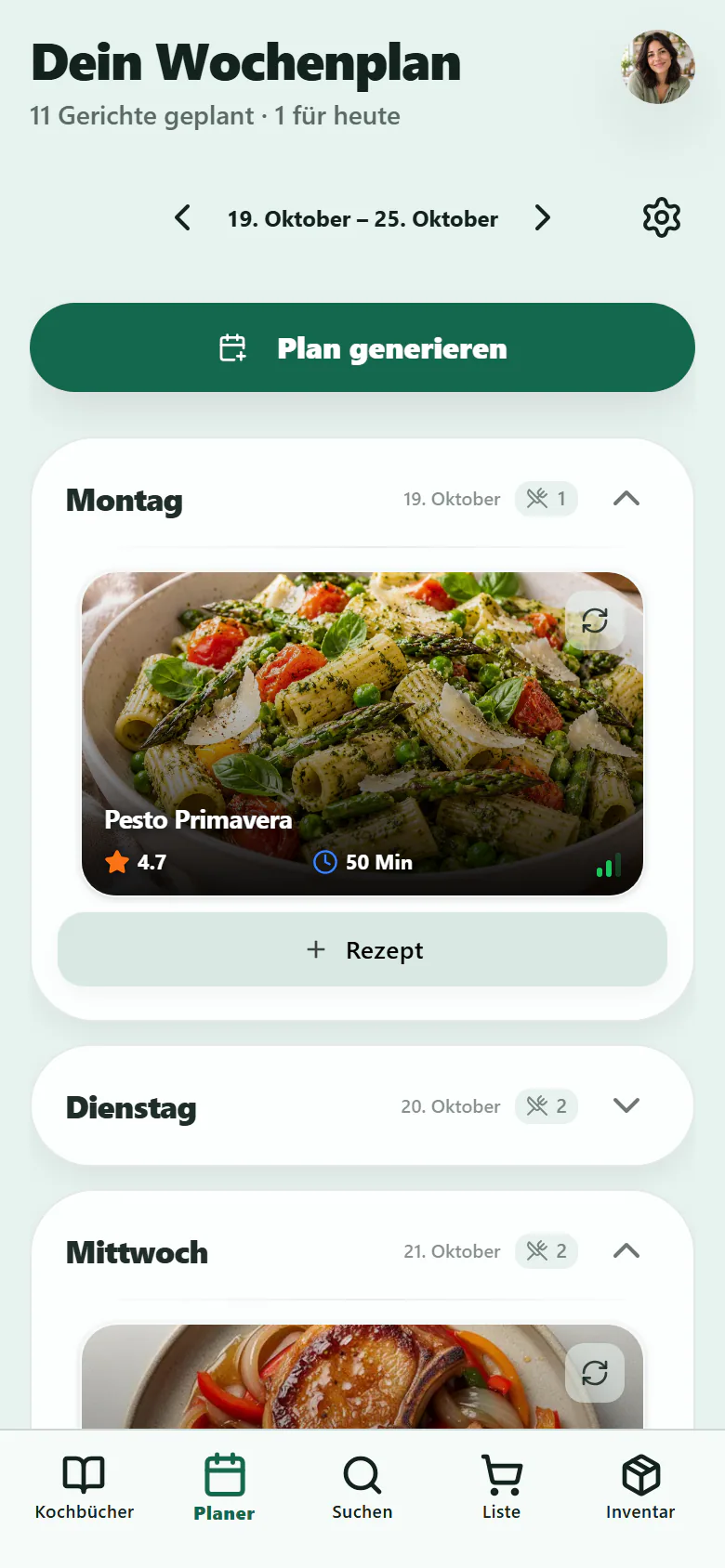
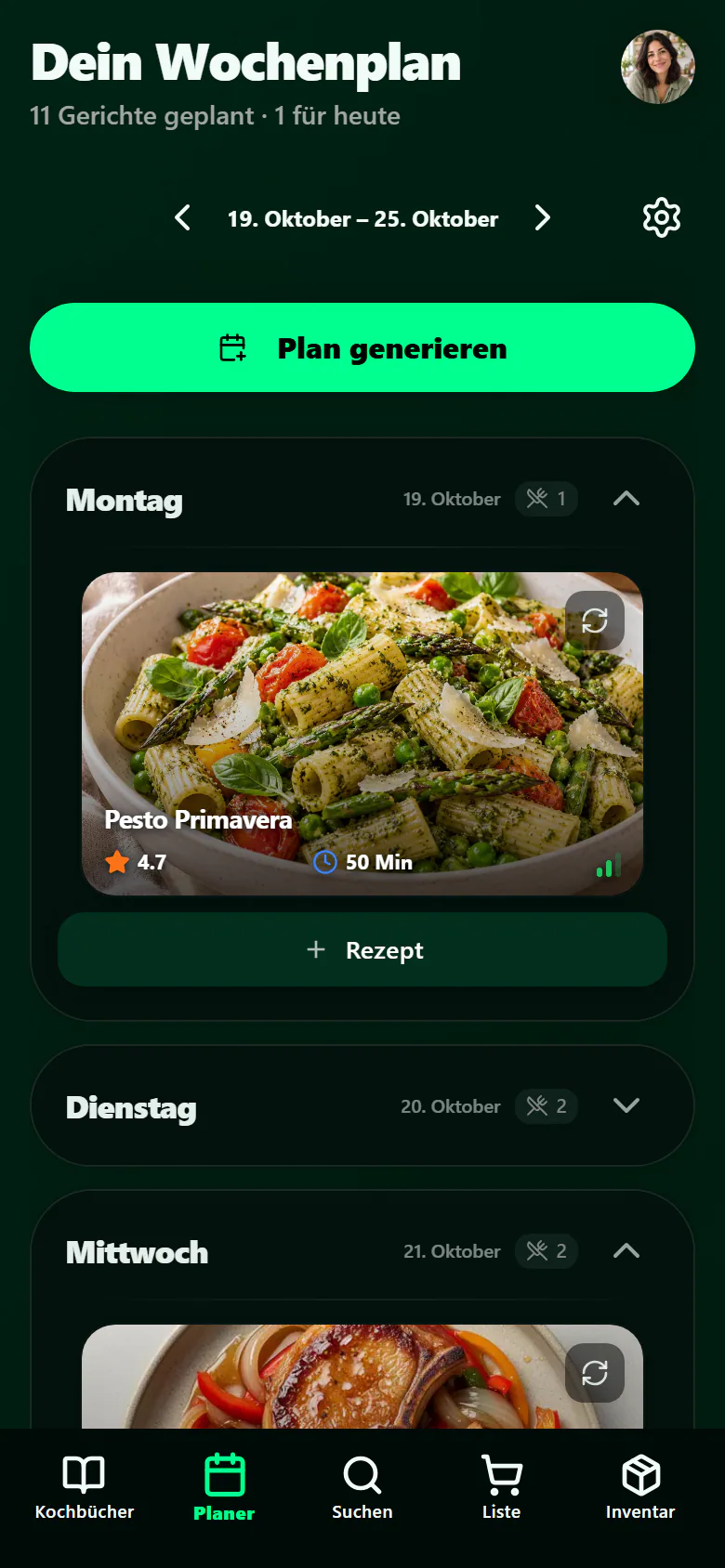
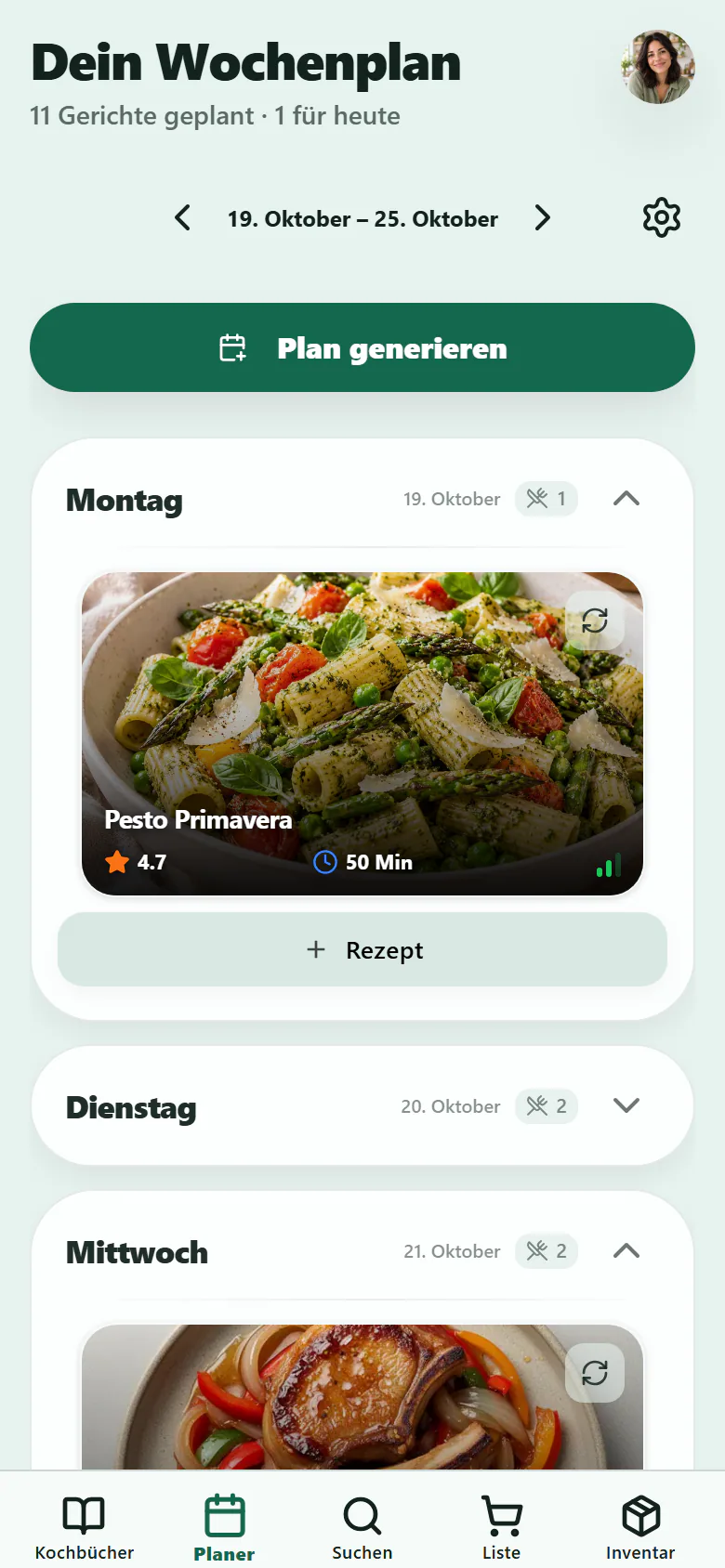
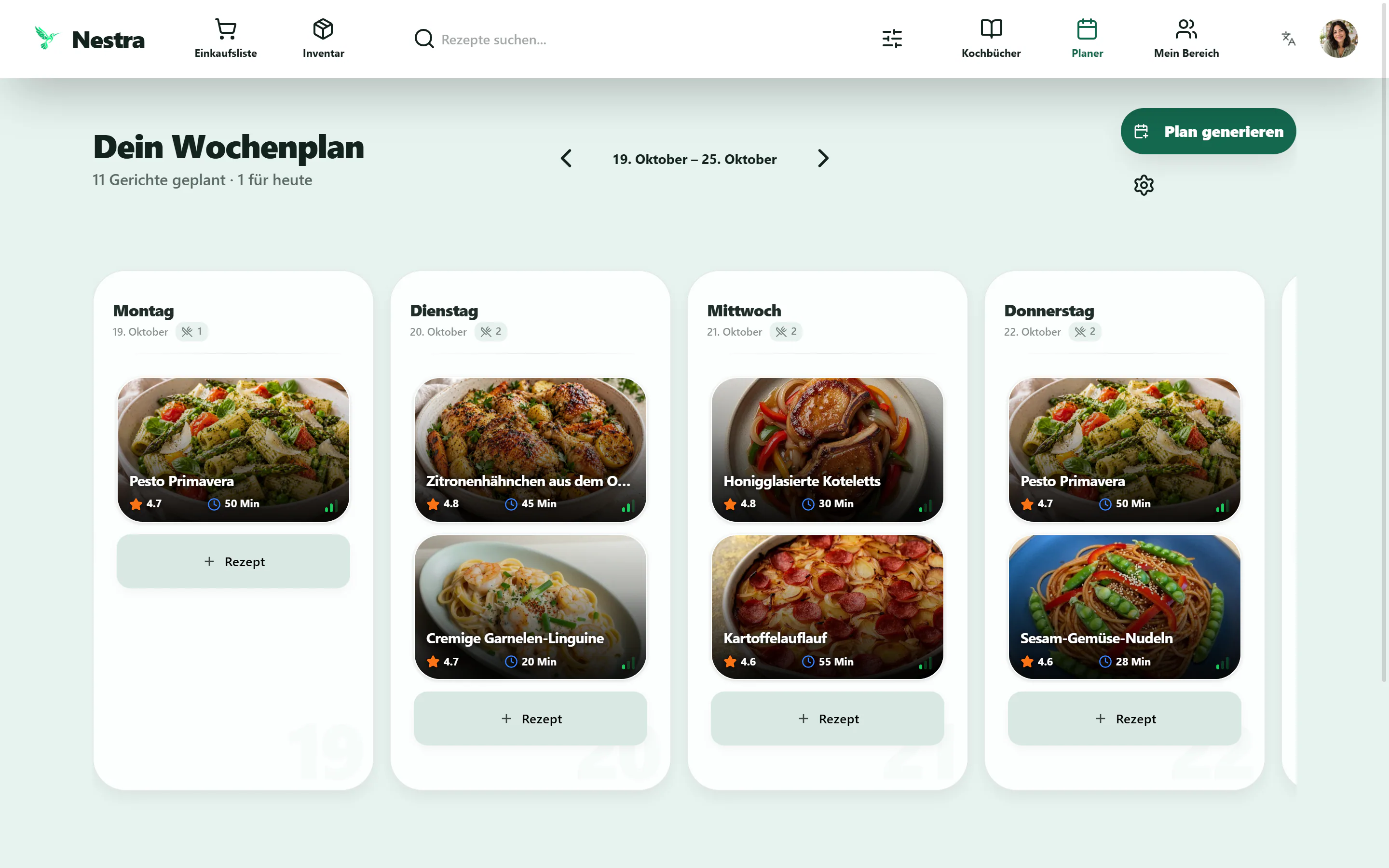
Pasta tonight. Tomorrow? Your call.
Build a week around dishes you actually feel like cooking. Leave a little room for spontaneous evenings.
Plan it. Or let Nestra help.
Choose your own recipes or get a weekly suggestion to start from.
Friends coming over? Add servings.
Swap dishes and change the number of people for each meal.
Your shopping list comes next.
Choose the meals you’re shopping for and add their missing ingredients to your list.
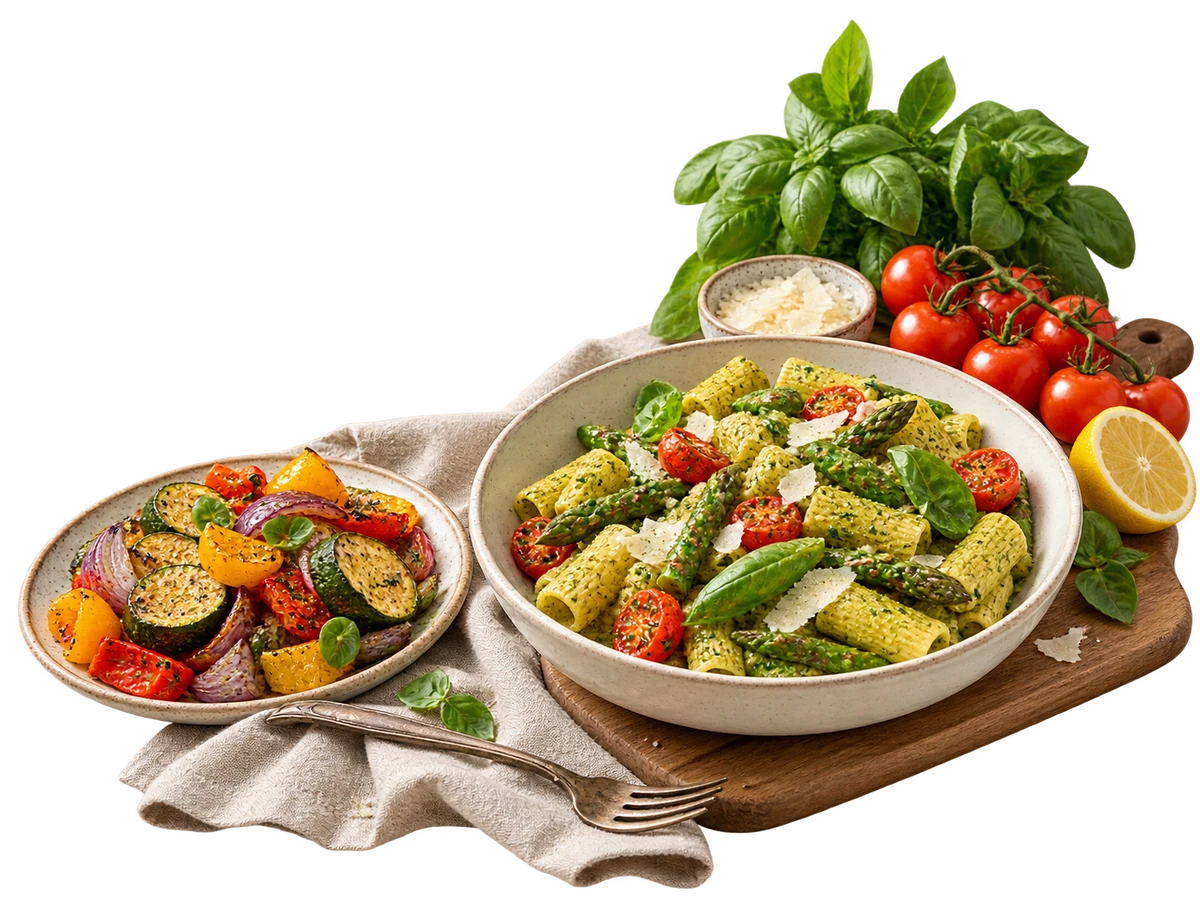
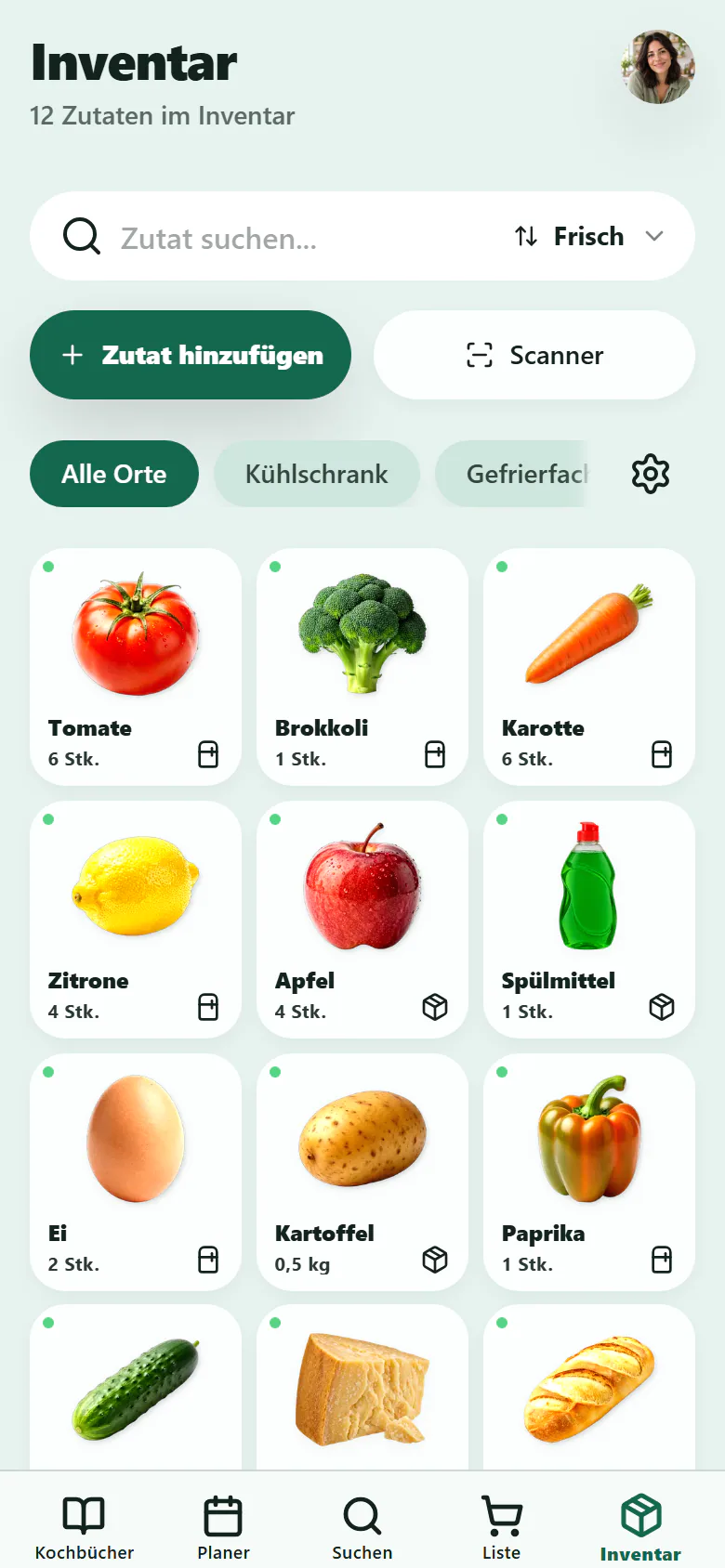
Your next meal might already be here.
Skip the second jar when there’s one at the back. See what you have, where it lives and what you’d like to use next.
Start small. Add as you go.
Record ingredients, products and amounts, perhaps as you put your shopping away.
Everything has its place.
Fridge, freezer or cupboard: find what you’re looking for.
Use the things that need using.
Add expiry dates to keep an eye on your food. Always check freshness yourself.
Receipt scanning is still a beta feature.
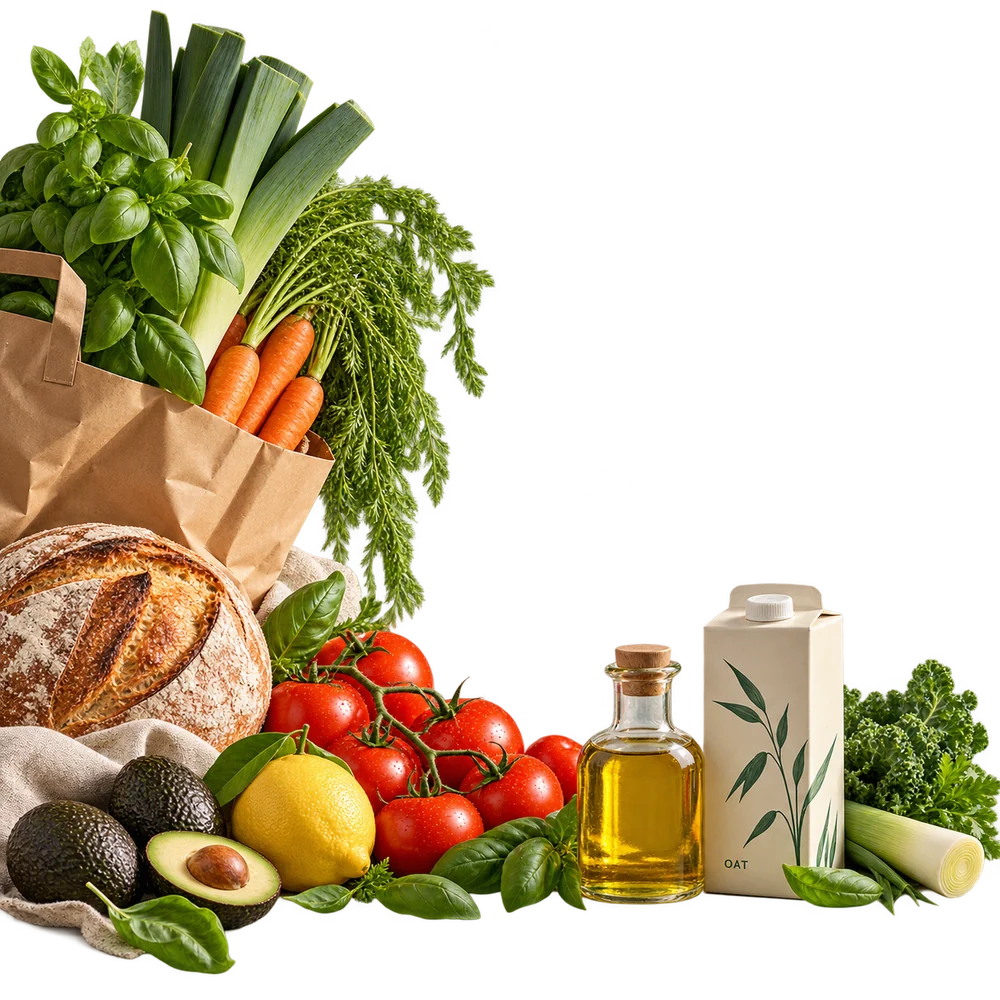
A clearer head. A list that’s ready.
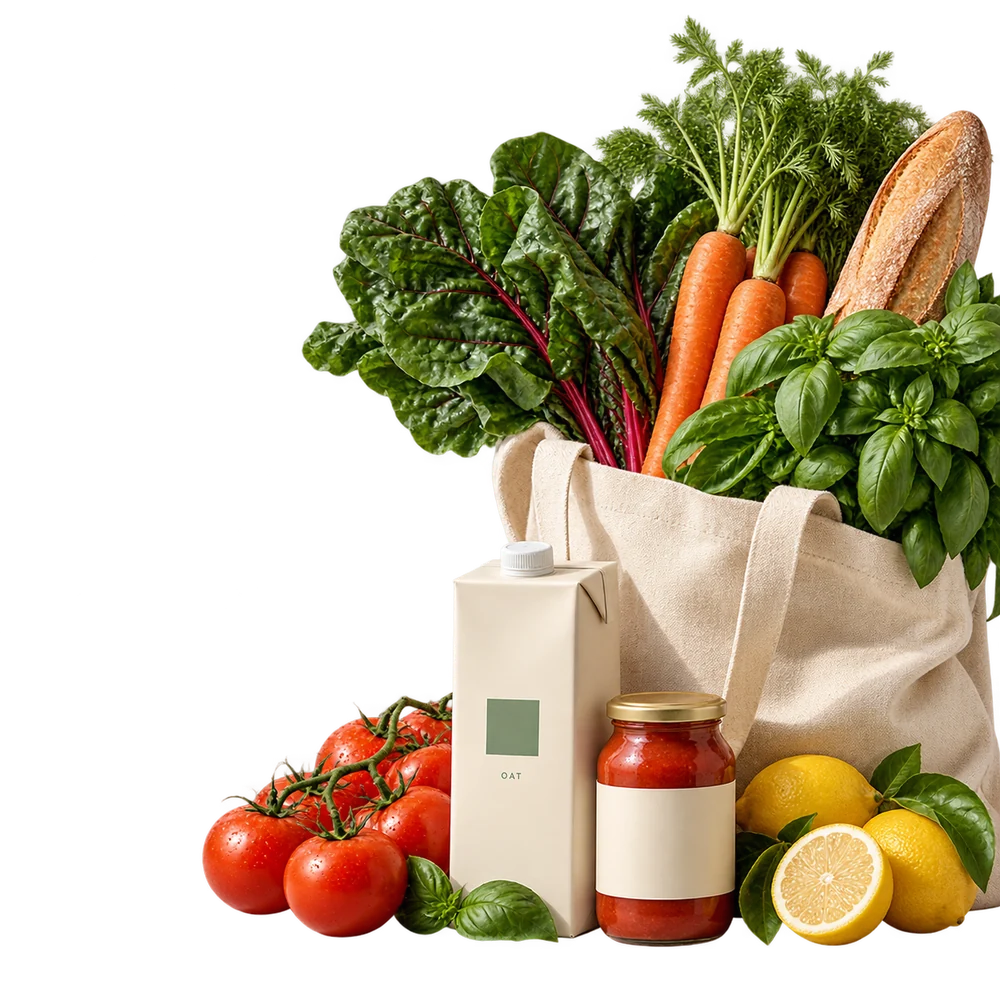
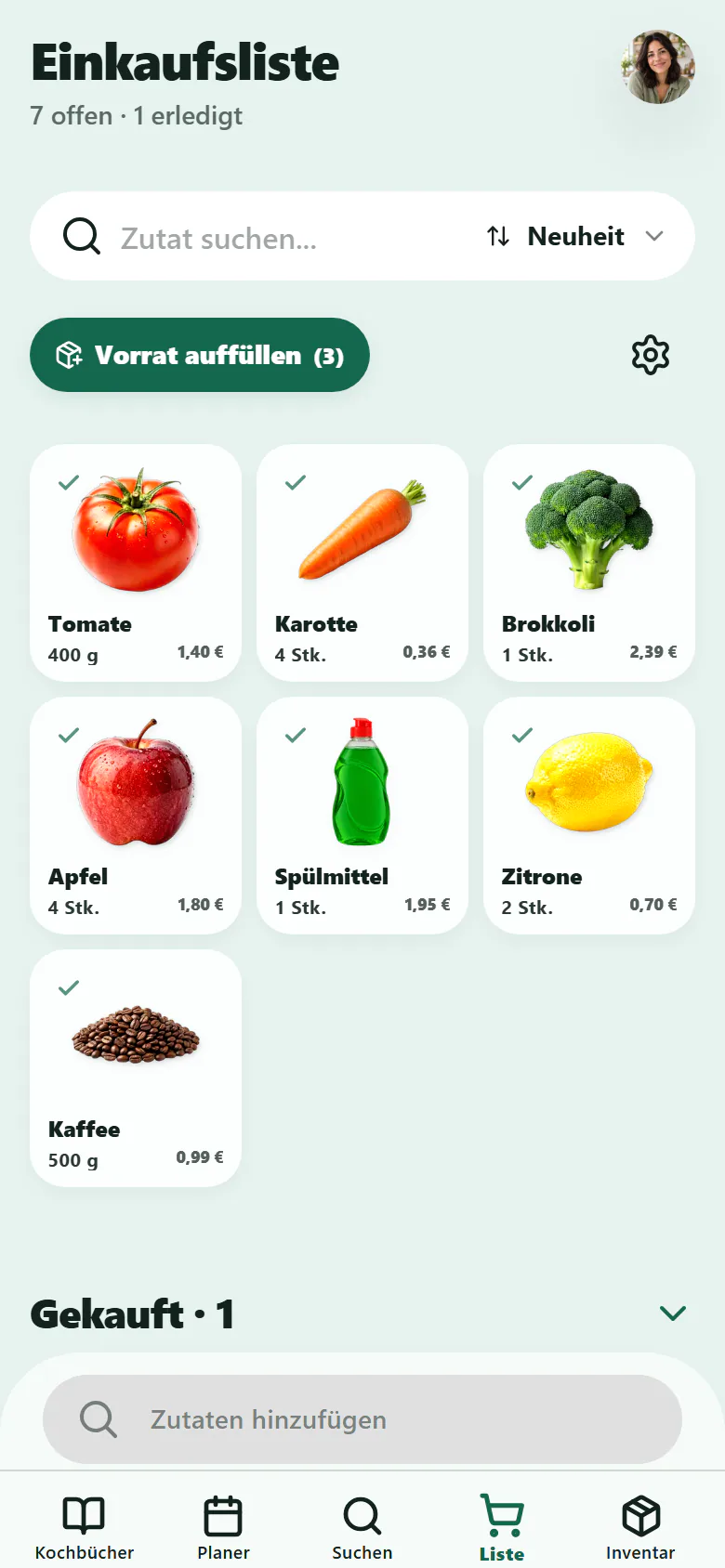
Missing recipe ingredients, oat drink and washing-up liquid: put it all on one list and tick it off as you shop.
Add recipes. Find what’s missing.
Nestra compares recipe quantities with the pantry amounts you’ve recorded.
Remember the rest, too.
Add drinks, packaged products and household essentials yourself.
Bought it? Put it away.
Tick off products and add your purchases back to your pantry.
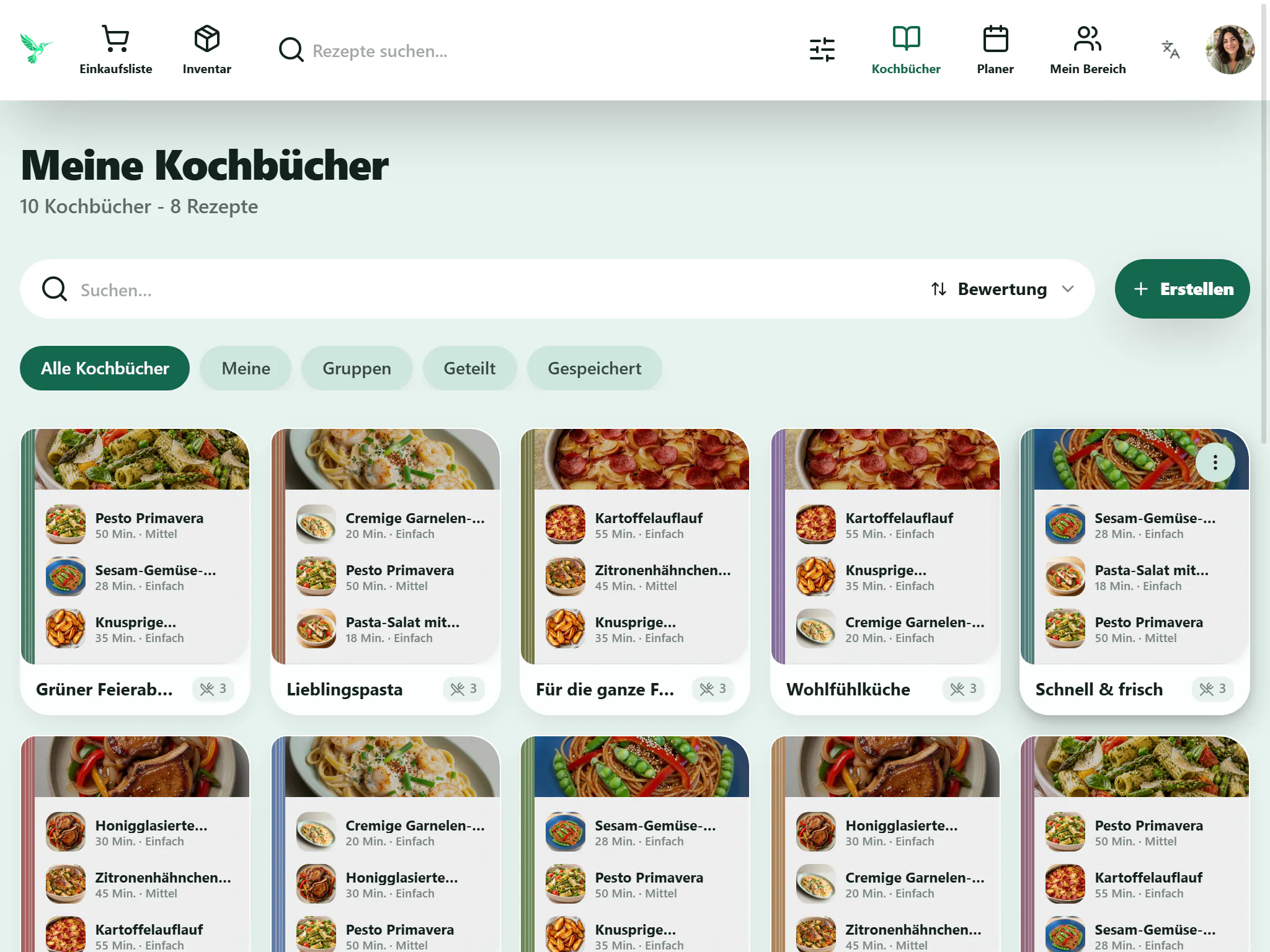
Keep the recipes you come back to.
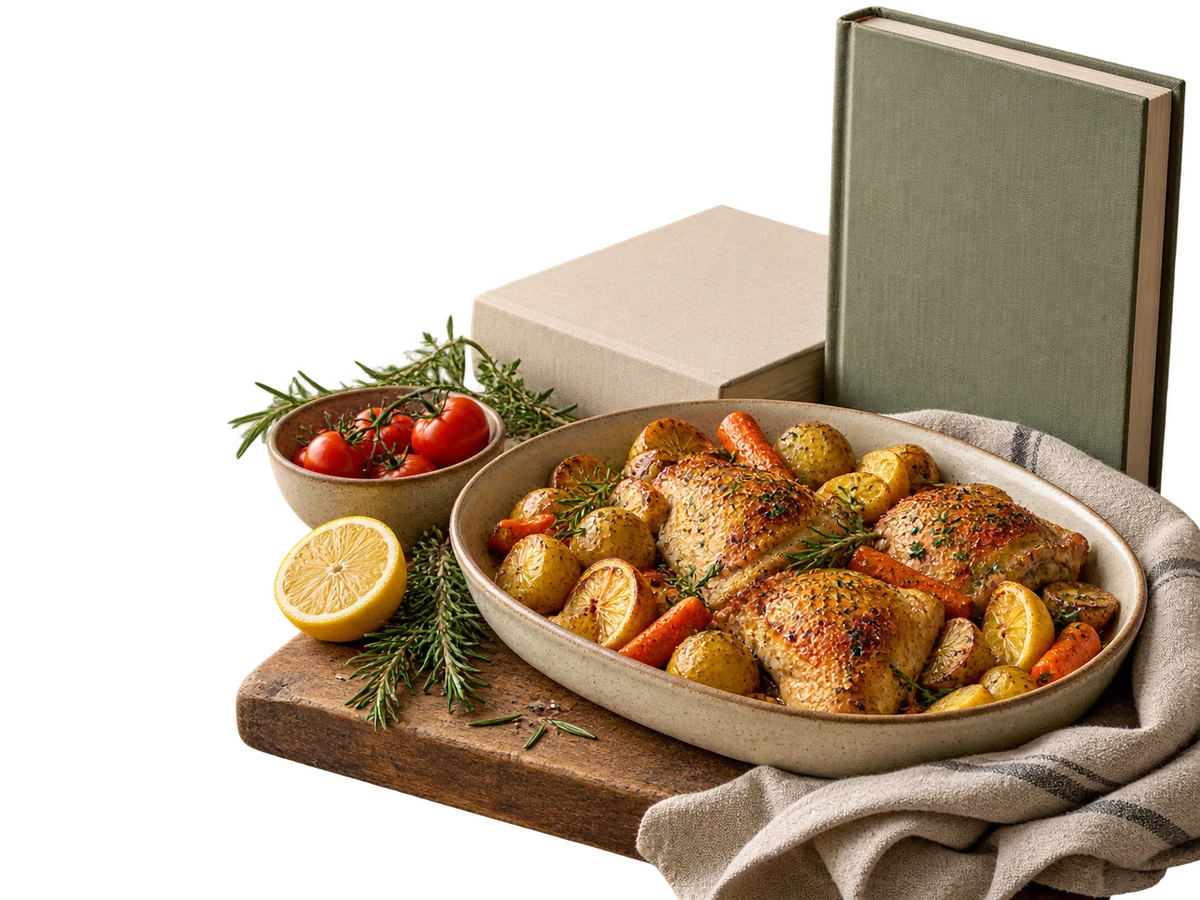
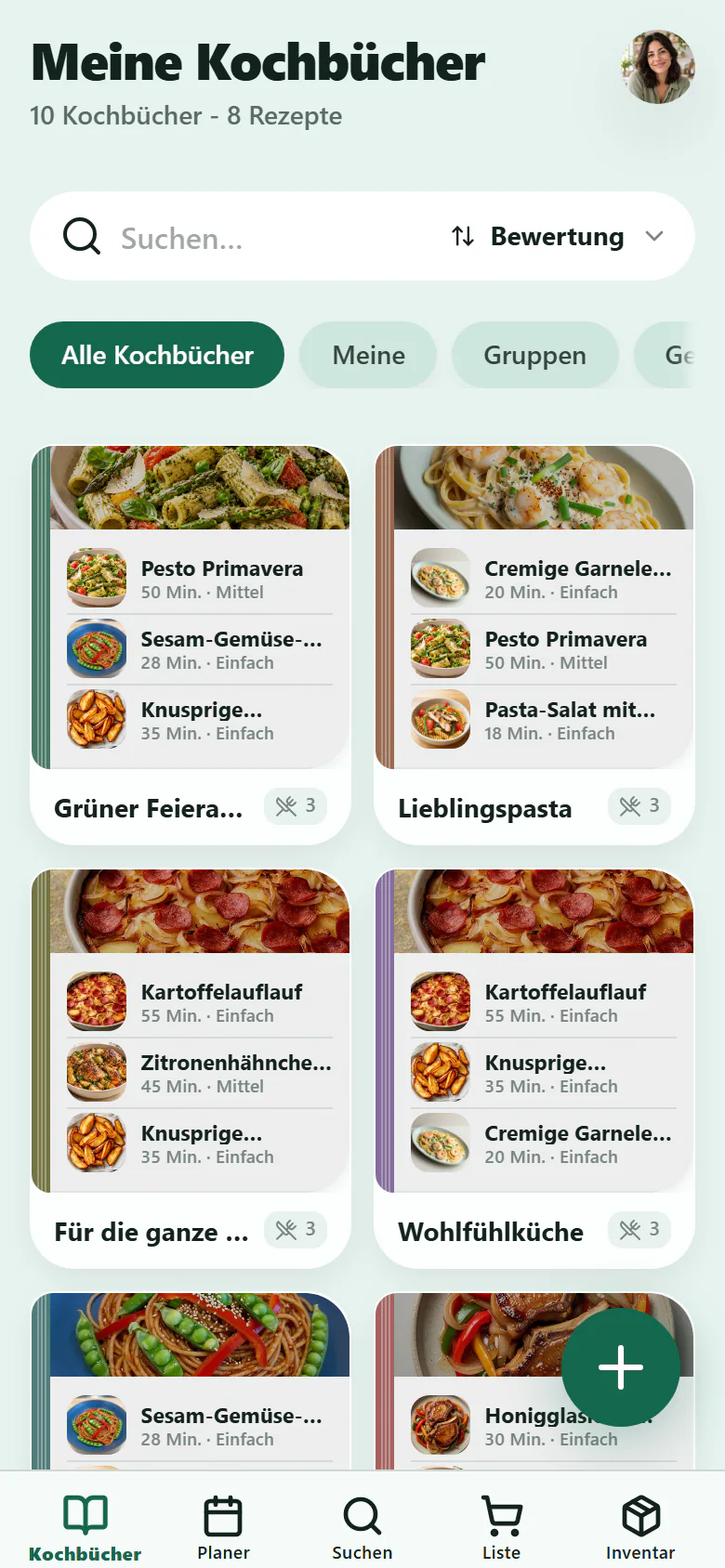
The quick weeknight dinner. That pasta from your last holiday. Give everything you’d love to cook again a home in your own cookbooks.
Find it next time.
Organise recipes in cookbooks that make sense to you.
Found it. Saved it.
Import a link from a supported recipe website or write your own recipe.
From cookbook to dinner.
Add saved recipes straight to your weekly plan.
Your kitchen comes with you.
Plan on the big screen. Check in front of the fridge. Tick things off at the shop. Use the same account on your devices.
Frequently asked questions
Do I have to enter my whole fridge first?
No. Start with the things you use often and add the rest over time. Nestra can only subtract pantry amounts you’ve recorded when building your shopping list.
How do I add my own recipes?
Write a recipe yourself or import a link from a supported recipe website. Give the ingredients, quantities and steps a quick check after importing. Organise everything in your own cookbooks.
Can I add drinks or washing-up liquid?
Yes. Your shopping list isn’t limited to recipe ingredients. Add food, packaged products and household essentials yourself and tick them off as you shop.
Can our household use the same list?
Yes. Join a shared household to share shopping lists. This feature is still in beta. The free plan includes one household with up to four people.
Can I adjust servings for more people?
Yes. Choose how many people are eating each meal. The quantities on your shopping list follow the servings you select.
Can I switch between phone, tablet and computer?
Use the same account in the browser on your devices. The iPhone, iPad and Android apps are on their way. Their download links will appear here once they’re available in the stores.
Make room for good food.
Your recipes, your pantry and your next shop. Start with something you’d like to cook today.
RegisterComing soonComing soonApps for iPhone, iPad and Android are coming soon. You can already log in through your browser.